
OTA and FOTA Updates: How Over-the-Air Updates Work and Why Every Connected Device Needs Them
31 October 2026 · 8 min read · akranIQ
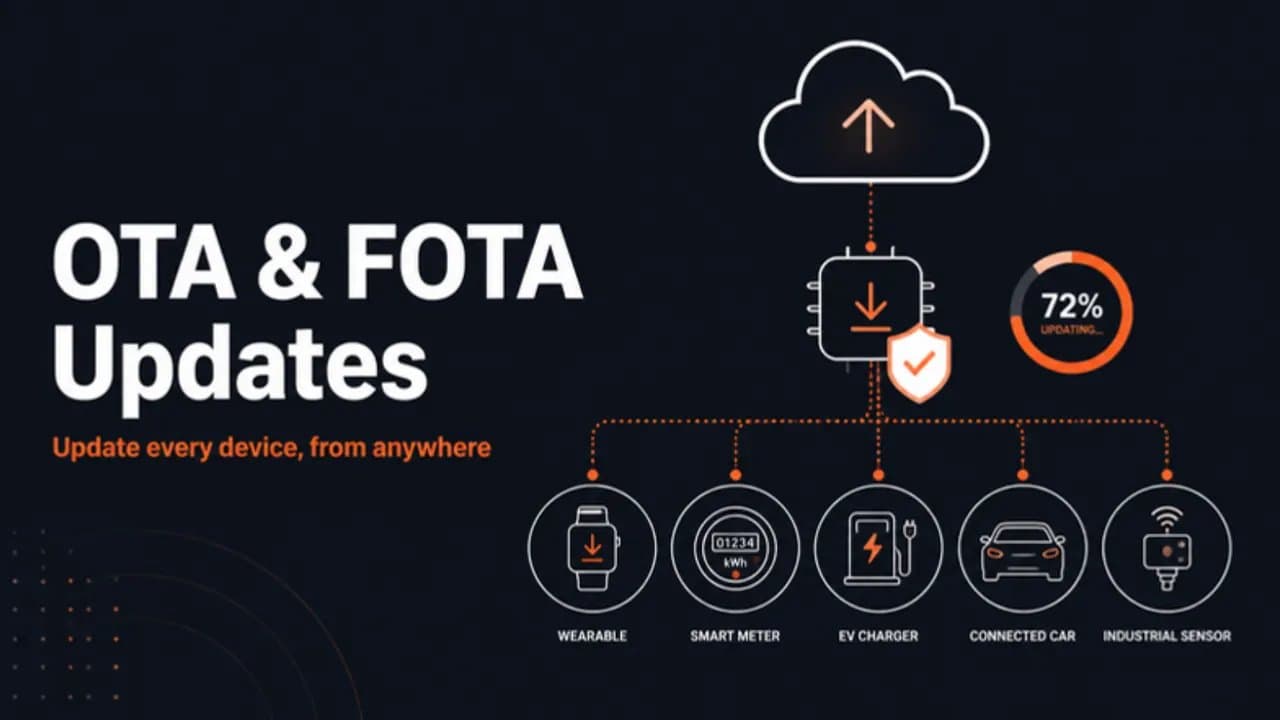
A device you cannot update is a device you will have to replace
The day a connected product ships is the day it starts going out of date. Bugs surface in the field, new security vulnerabilities are published, customers ask for features, and networks change underneath you. Without a way to update devices remotely, every one of those means a recall, a technician visit or a product that slowly becomes a liability.
Over-the-air (OTA) updates solve that. They let you send new software to devices wherever they are, over the same connection they already use. This guide explains what OTA and FOTA mean, how a safe update actually works on a device, how it differs from one kind of device to another, and why adopting it pays back far more than it costs.
What are OTA, FOTA and SOTA updates?
OTA (over-the-air) update is the umbrella term: any update delivered to a device wirelessly, without a cable or a site visit.
FOTA (firmware over-the-air) updates the firmware, the low-level software that runs directly on the device's microcontroller or processor and controls the hardware. A FOTA update can change how a sensor is read, how the radio behaves or how the device manages its battery.
SOTA (software over-the-air) updates higher-level software: applications, operating-system components or configuration on devices that run a full OS, such as a vehicle's infotainment unit or a Linux gateway.
In practice the terms overlap. A smart meter mostly needs FOTA; a car needs both FOTA for its electronic control units and SOTA for its apps. The engineering principles are the same.
How an OTA update works, step by step
A safe OTA update is more than "download a file and reboot". Each step exists because skipping it eventually bricks devices in the field.
- Build and version. Each release gets a unique version number so devices and the server always know what is installed where.
- Sign the image. The firmware is cryptographically signed with a private key that never leaves your build system. Devices hold only the matching public key.
- Target and schedule. The update server decides which devices get the update and when: a small pilot group first, then wider rings.
- Download. The device fetches the image over its existing connection, ideally resuming if the link drops. On constrained networks, a delta (just the changes) is sent instead of the full image.
- Verify. Before installing anything, the device checks the signature and integrity. An image that fails is discarded.
- Install to a spare slot. The new firmware is written to an inactive partition while the current version keeps running. This is the A/B (dual-bank) approach.
- Reboot and self-test. The bootloader starts the new version, which checks that it can run, connect and reach the server.
- Confirm or roll back. If the self-test passes, the new version is marked good. If it fails, or the device cannot report in, the bootloader switches back to the previous version automatically.
- Report. The device tells the server what it is now running, so the fleet view stays accurate.
Common building blocks: MCUboot as a secure bootloader on microcontrollers (widely used with Zephyr), the dual-partition OTA support in ESP-IDF for ESP32 devices, and tools such as Mender, SWUpdate or RAUC for A/B updates on embedded Linux.
OTA updates across different kinds of devices
The principle is the same everywhere, but connectivity, power and regulation change how OTA is done.
| Device | Typical connection | How OTA usually works | What to watch |
|---|---|---|---|
| Wearables and BLE sensors | BLE via a phone app | Phone downloads the image, then transfers it to the device over BLE (device firmware update) | Battery level before updating; the phone may leave mid-transfer |
| Smart meters and utility sensors | NB-IoT, LTE-M or LoRaWAN | Small delta updates; on LoRaWAN, fragmented and often multicast (FUOTA) | Very limited bandwidth; updates take hours or days; deep sleep cycles |
| EV chargers | Ethernet, Wi-Fi or cellular | Backend triggers the update, often through the charging protocol (OCPP has firmware update messages) | Never update during a charging session |
| Vehicles | Cellular | FOTA for control units plus SOTA for apps, with staged campaigns | Safety and regulation: vehicle makers in many markets must run a certified software update management system (UN Regulation No. 156) |
| Industrial gateways and machines | Ethernet or Wi-Fi | Embedded Linux A/B updates, scheduled in maintenance windows | Production downtime; plant network security rules |
| Smart-home devices | Wi-Fi or Thread (Matter) | Vendor cloud or the Matter OTA mechanism | Many ecosystems; must not break the user's routines |
| Medical devices | BLE, Wi-Fi or cellular | Controlled, validated releases with full traceability | Every change needs documented verification; regulators expect a plan for security updates |
If you are still choosing a radio, bandwidth for updates should be part of that decision. Our IoT connectivity guide compares BLE, Wi-Fi, Thread, LoRaWAN, NB-IoT and LTE-M.
The benefits of adopting OTA updates
1. Fix bugs without recalls or truck rolls
A field bug without OTA means shipping devices back or sending a technician to each one. With OTA, the fix reaches the whole fleet in days, at almost no marginal cost per device.
2. Patch security vulnerabilities fast
New vulnerabilities are found in libraries, radio stacks and protocols every year. OTA is the only practical way to close them on devices already installed. A device that cannot be patched becomes an entry point into your customer's network.
3. Ship sooner, improve after launch
With a reliable update path, you do not need every feature finished on day one. You can launch with a solid core and add capabilities, tune algorithms or improve battery life later, using real field data.
4. Turn hardware into a product that keeps earning
OTA makes it possible to unlock paid features, offer subscriptions or extend support plans. The device becomes a platform, not a one-time sale.
5. Lower support and operating costs
Many support tickets can be resolved by a remote update or configuration change. Combined with remote diagnostics, OTA cuts site visits and replacement units.
6. Extend product life
Devices that keep receiving fixes and adapt to network changes stay in service longer. That protects your customers' investment and your reputation.
7. Meet regulatory and customer expectations
Regulation is moving towards requiring updatable products. Vehicle makers must manage software updates under UN Regulation No. 156, the EU Cyber Resilience Act requires manufacturers to provide security updates for products with digital elements, and medical device regulators expect a plan for updates and patches. Enterprise buyers increasingly ask about update policy before they purchase.
8. Learn from the fleet
Every update cycle doubles as a feedback loop. Staged rollouts and device reports show you which versions run well, where crashes happen and which hardware revisions behave differently.
Best practices for safe OTA updates
- Use A/B partitions or a recovery image. A failed update must never leave a device with nothing to boot.
- Sign every image and verify before installing. Combine with secure boot so only trusted firmware can run. The same foundation powers remote lock and kill switches; see our device anti-theft guide.
- Block downgrades to vulnerable versions. Anti-rollback version counters stop attackers from installing an old, exploitable release.
- Roll out in stages. Start with internal devices, then a small percentage of the fleet, and stop automatically if error rates rise.
- Survive power loss and dropped links. Resumable downloads and atomic switch-over mean an interrupted update simply continues or is ignored.
- Check preconditions. Battery level, storage space, device state (not mid-charge, not mid-procedure) before installing.
- Use delta updates on constrained networks. Sending only the changes makes OTA practical over NB-IoT and LoRaWAN.
- Keep the fleet view accurate. Every device should report its version, so you always know your exposure.
Common OTA mistakes
- Adding OTA after launch. Flash space for a second image, a secure bootloader and key storage must be designed into the hardware and firmware from the start.
- Treating the signing key casually. If the private key leaks, anyone can push firmware to your fleet. Keep it in a hardware security module or a protected build service.
- Updating everything at once. One bad release to 100% of devices can take the whole fleet offline.
- No rollback test. Teams test the happy path and discover rollback does not work only when they need it.
- Ignoring the update server. The cloud side (targeting, campaigns, reporting, access control) is half of OTA, and it needs the same security care as the device.
OTA and FOTA: frequently asked questions
What is an OTA update? An OTA (over-the-air) update is new software sent to a device wirelessly, over its existing network connection, without a cable or a site visit.
What is FOTA? FOTA (firmware over-the-air) is an OTA update to a device's firmware, the low-level software that runs on its microcontroller or processor and controls the hardware.
What is the difference between OTA and FOTA? OTA is the general term for any wireless update. FOTA is the specific case of updating firmware; SOTA refers to updating higher-level software such as apps or operating-system components.
Are OTA updates secure? They are secure when each image is cryptographically signed, verified on the device before installation, protected by secure boot and anti-rollback, and delivered over an encrypted connection. Without those controls, OTA can become an attack path.
Can low-power devices on NB-IoT or LoRaWAN receive OTA updates? Yes, but carefully. Delta updates, fragmentation and multicast (as in LoRaWAN FUOTA) keep transfers small, and updates are scheduled around the device's sleep cycles.
What happens if an OTA update fails? With an A/B design, the device keeps or returns to the previous working version and reports the failure. Without one, a failed update can leave the device unusable.
Planning OTA for your device?
akranIQ builds the firmware, secure bootloader integration, update server and fleet dashboards that make OTA safe, from microcontrollers to embedded Linux. If you are adding OTA to a new product or retrofitting it to an existing fleet, talk to our embedded team or see our embedded software and IoT development services.
Want to add AI or IoT to a device you already make? See how our AIoT and edge AI development team in India works.